Stay local
Keep task details and board settings on this device. Nothing has to be connected before the board becomes useful.
TestFlight beta · iPhone & iPad
Avocacoach
A personal agile coach for everyday life. Build a clear Backlog, keep only a little work in Doing, and enjoy moving it across to Done.
No corporate agile lecture. No account required. Just a friendly app that helps you see what matters and take the next useful step.
Opens Apple TestFlight. This is beta access, not an App Store release.


The cowboycadoOriginal artwork by Mrs Roberts
01 Local board
02 Optional Reminders
03 Prepared coaching
04 Free everyday tools
Avokanban
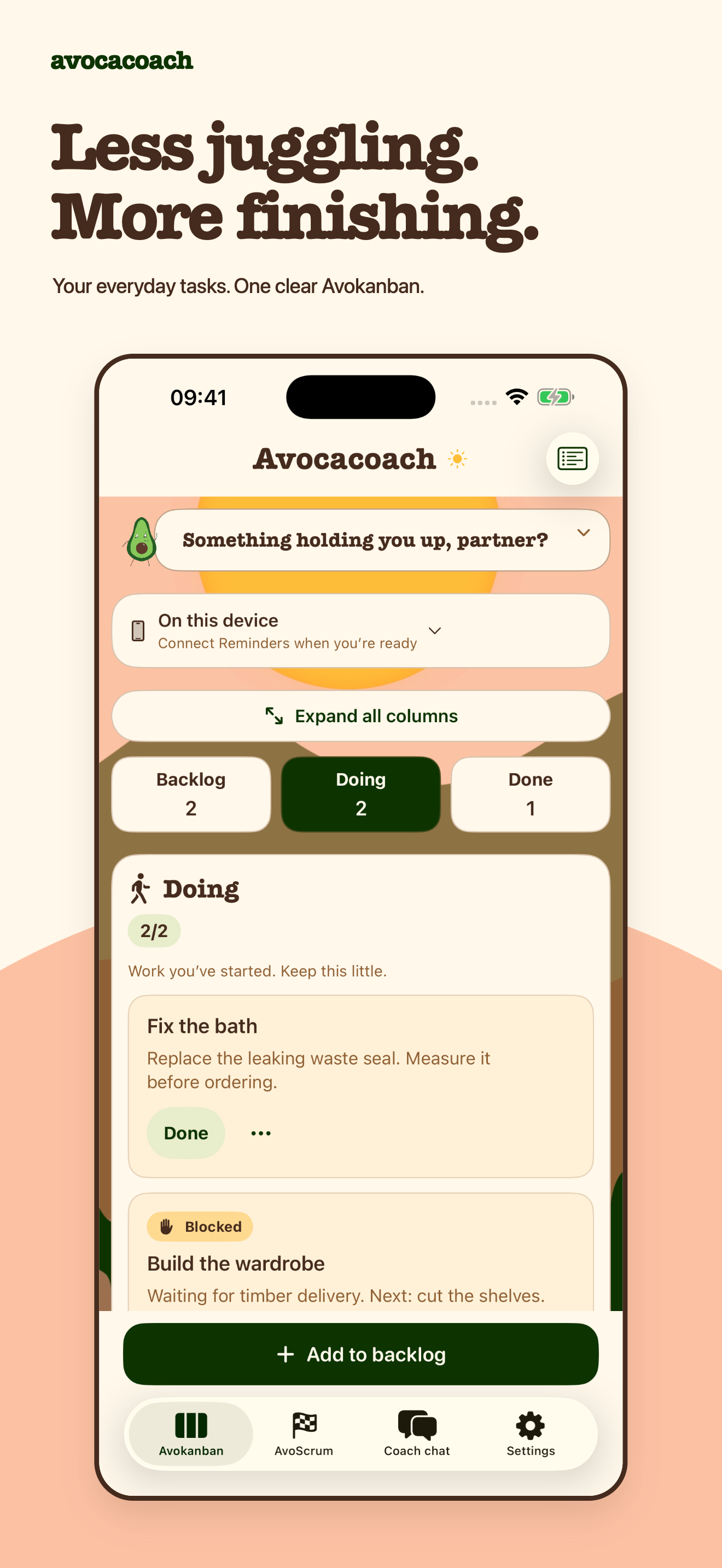
Everyday work sits in three clear places: Backlog → Doing → Done. Add notes, optional due dates and blockers, then put tasks in an order that makes sense to you.
Doing starts with two spaces, adjustable from one to five. A blocked task still uses a space, because unfinished work is still work you are carrying.
Your list, your choice
The free local board works without a sign-in or account. If Apple Reminders is already where your tasks live, connect one existing list when you want to.
Keep task details and board settings on this device. Nothing has to be connected before the board becomes useful.
Names, notes, due dates and completion can update in Reminders. Apple remains responsible for its own storage and sync.
Avocacoach keeps Kanban stage, blockers and manual order for its board. Switching sources does not bulk-copy local tasks into Reminders or delete a list.
Coach guidance
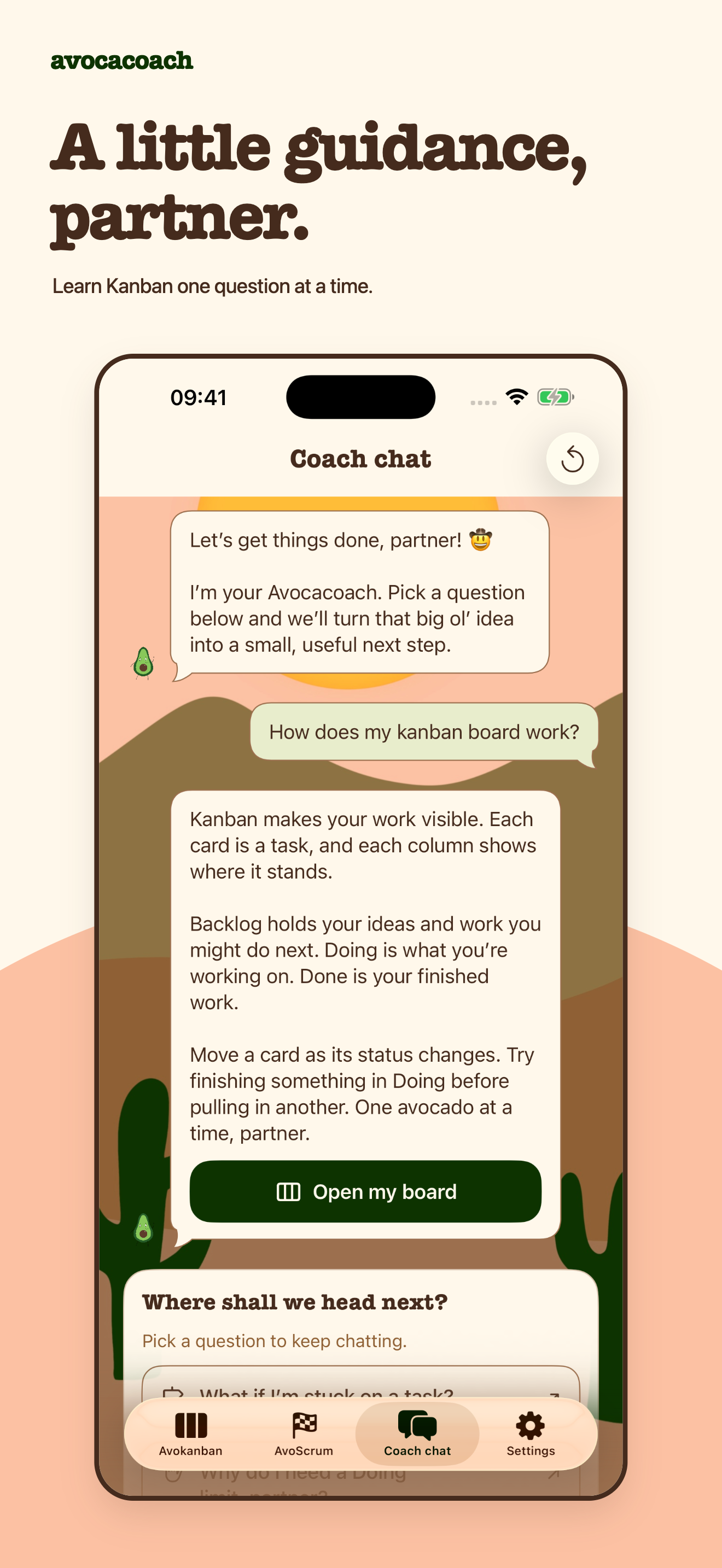
Pick from useful questions about backlogs, blockers, work-in-progress limits and small next steps. Avocacoach replies with prepared guidance in ordinary language, with just enough cowboy-avocado humour to keep things human.
There is no free-typing prompt box, external language model or autonomous agent changing tasks. The coach explains the idea; you stay in charge of the work.
Free everyday support
See work in Doing and what may be next. Open the app to refresh a connected Reminders board.
Optional, finite local notifications at varied daytime hours—then silence rather than an endless stream.
Choose light, dark or system appearance while the original desert artwork keeps the app warm.
Avokanban, a local board, Reminders connection and everyday coaching remain part of the free experience.
Avocacoach Plus
£2.99intended UK price · onceNo subscription. The live StoreKit product and final localised storefront price remain subject to confirmation.
01
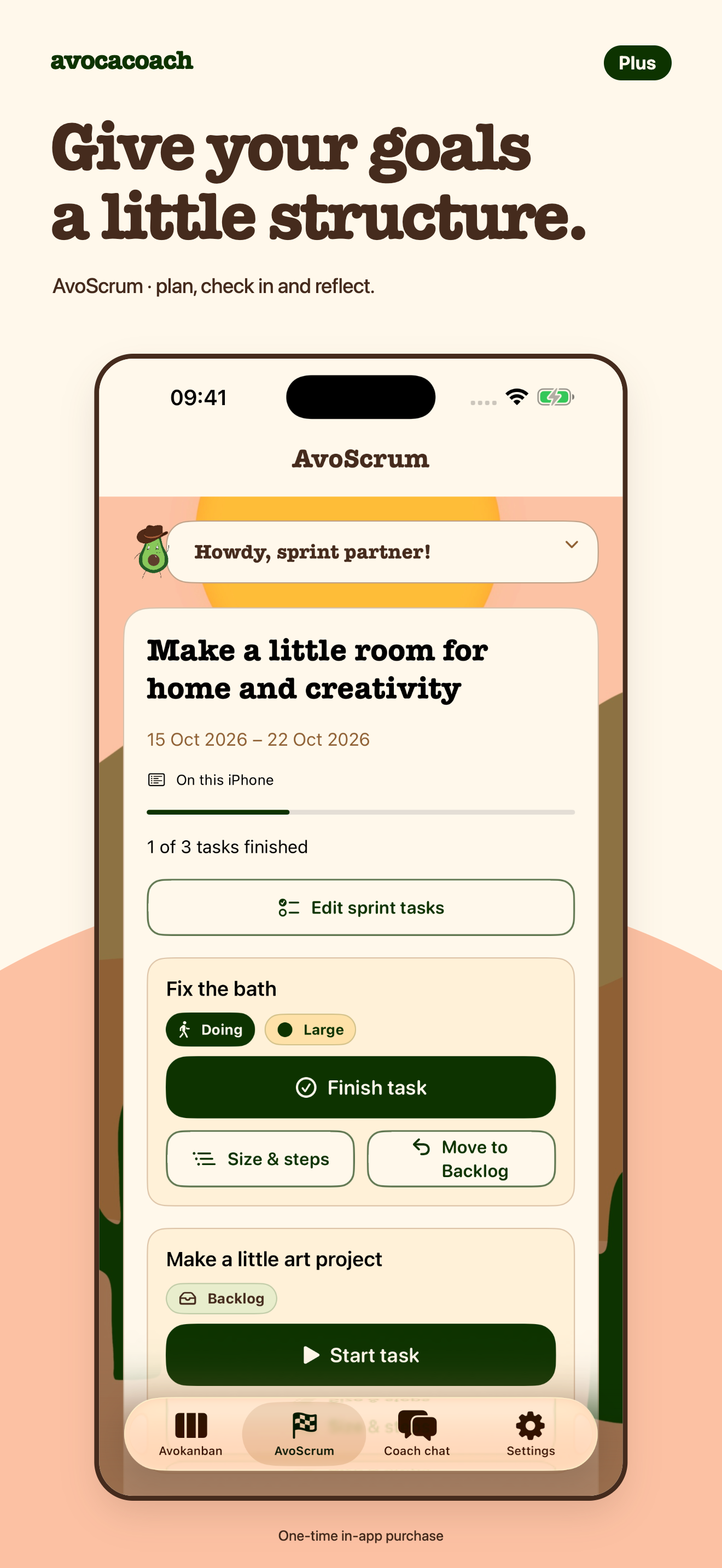
Choose one goal, plan a sprint from one to four weeks or one calendar month, check in when useful, then review and reflect.
02
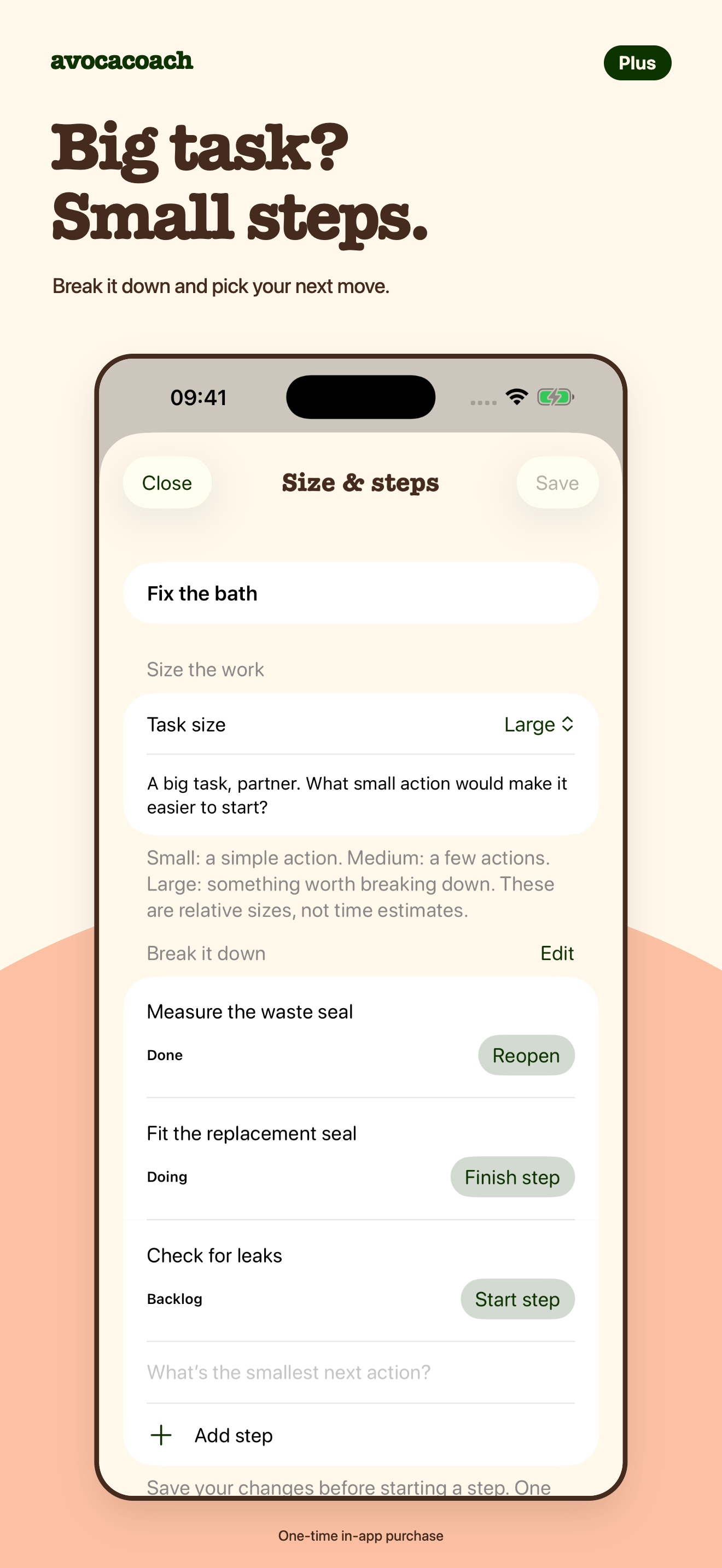
Turn a large task into saved small steps. Work on one active step at a time while the parent uses one Doing space.
03
Mark work Small, Medium or Large—not for estimation theatre, but to spot when something may be easier to start after it is broken down.
Plus also adds an AvoScrum widget and a choice of fresh-launch screen. Saved sizes, steps, sprints and reviews stay visible if Plus access is later lost.
Steps and sprints are Avocacoach metadata on this device. They are not native Reminders subtasks and do not create cross-device Avocacoach metadata sync.
A small badge of elite avocado status
Mrs Roberts’ positive avocado and desert artwork gave the app its character. Free partners get the plain avocado. Plus puts his cowboy hat on throughout the app and widgets, and switches the Home Screen icon too.

Desert background and avocado artwork by Mrs Roberts.
Privacy without hand-waving
Local tasks, board settings and extra task and sprint information stay on the device. If you connect Apple Reminders, Apple stores and syncs the selected list through your existing Apple account.
Widgets and notifications can show task, list or goal names on the Home Screen or Lock Screen. TestFlight separately collects beta usage and crash information under Apple’s beta service.
The trail starts here
Try the Avocacoach beta on iPhone or iPad and tell me how it fits your everyday work.
Beta access is provided through Apple TestFlight. Avocacoach is not yet presented here as an App Store release.