1. Azure
Start with the free account
Use the official Azure Free Account. It creates the account and subscription to work from. Keep budgets and cost alerts in mind: this is a safe learning environment, not an accidental-billing experiment.
Technical article
Azure, Entra, Power Platform and Dynamics 365 — what I tried, what confused me, and what actually worked.
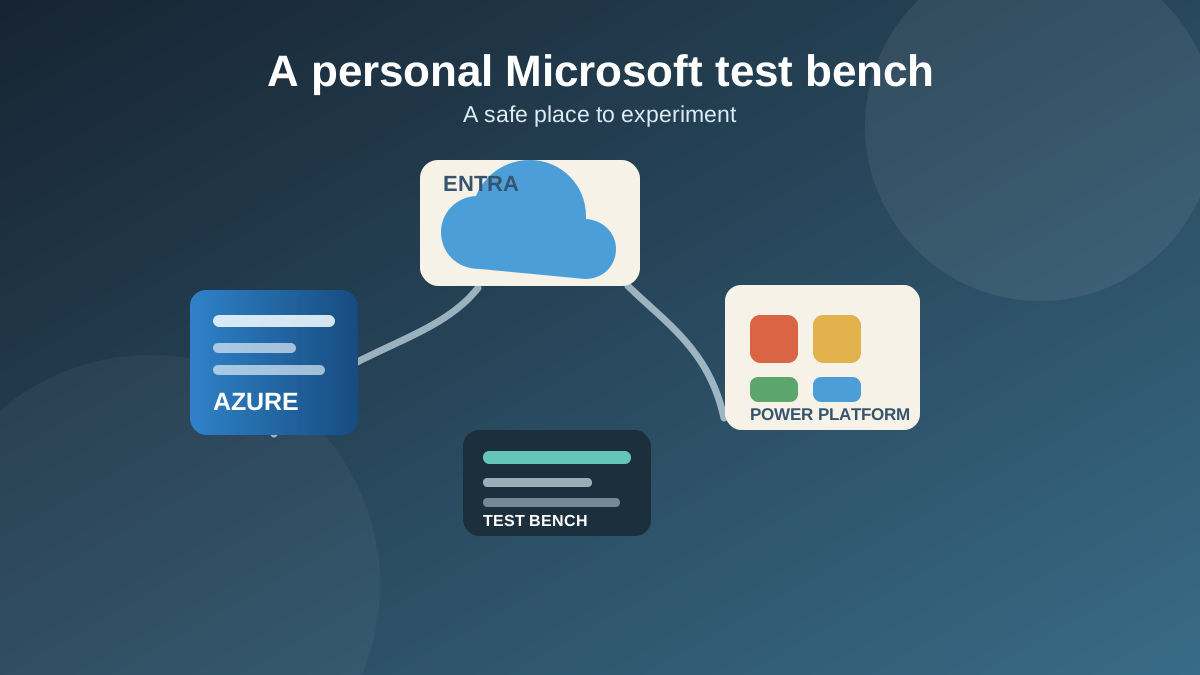
The idea
I wanted somewhere safe to experiment without touching a work tenant. Somewhere I could follow Microsoft Learn exercises, build personal projects, practise Power Platform and Dynamics configuration, and make the sort of enterprise-shaped mistakes that are much better made when nobody else is affected.
At first I thought I needed a special developer sandbox. Then the useful thought arrived: “I need a whole enterprise.” Not a huge one — just my own tiny Microsoft organisation that I could treat like a proper test bench. The early excitement was basically “Azure D365 for free!” The bigger aha was: “It all starts with Azure.”
Once the free Azure account existed, there was already a default Entra tenant waiting for me and most of the foundation became fairly “click and go”.
The foundation
1. Azure
Use the official Azure Free Account. It creates the account and subscription to work from. Keep budgets and cost alerts in mind: this is a safe learning environment, not an accidental-billing experiment.
2. Entra
After Azure, I already had a Default Directory / Entra workforce tenant. For a clean personal lab, that existing tenant was enough. Microsoft’s tenant quickstart explains the model.
3. Admin
Create an account such as admin@<tenant>.onmicrosoft.com, use MFA, and assign Global Administrator plus Power Platform Administrator when appropriate. Azure RBAC and Entra roles are separate, so Global Admin does not automatically mean Azure resource Owner.
Choose deliberately
The free Power Apps Developer Plan is great for personal Power Platform and Dataverse development: custom apps, solutions, ALM exercises and Microsoft Learn. The official setup guide is the practical route in.
The important learning is in the capital D: an environment whose Power Platform type is Developer is not the same thing as an organisation calling an environment “DEV”. It is excellent for custom development, but it cannot host the full Dynamics 365 Customer Service application.
If the target is actual Customer Service — cases, queues, routing and service configuration — use the Dynamics 365 Customer Service trial. It provides the Dynamics entitlement and an enabled environment rather than only a Dataverse place to build. The trial is currently 30 days and may be extended once, so treat it as disposable infrastructure.
The distinction that matters
Developer
Free Power Platform environment for Dataverse and custom work. Excellent for learning; it cannot simply become full Dynamics 365 Customer Service.
Sandbox
Usually used as DEV, UAT or Test. It requires tenant Dataverse capacity and appropriate licensing if Dynamics apps are needed.
Trial
Short-term entitlement and environment. It can provide proper Customer Service functionality without permanent licensing.
In a real enterprise, something named DEV may technically be a Sandbox. DEV describes its purpose; Sandbox describes its Power Platform environment type.
The dead ends
The permanent asset
Because the D365 trial is temporary, the right response is not to become attached to the environment. The permanent asset should be the solution, source control/GitHub, environment variables, connection references, configuration, documentation and deployment pipelines.
The goal is to create a fresh Customer Service environment and redeploy the solution through ALM. The licensing limitation turns into useful enterprise ALM practice.